Task Complete — Great Work!
Every finished task brings you one step closer to your completed project — and you’re doing an amazing job staying on track.
Need to Reopen This Task?
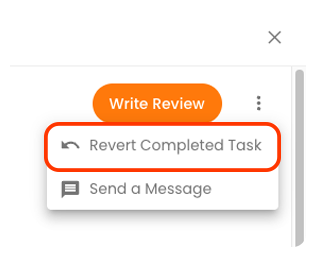
If you’ve marked this task complete but realise you need to make a change, don’t worry — we’ve got your back. To reopen or revert this task, click the three dots at the top of this task to reveal the option. We recommend being careful with reopening tasks and only proceed if you are 100% certain.
If you have any questions about your tasks or workflow, contact the Build Buddy Expert Guidance and Support team at
support@buildbuddy.au. We’ll help you roll things back and make the necessary updates.

If you have back-tracked on any tasks, make sure to keep your document library up to date with all your latest documents. You don't want any miscommunication to occur during your project.
Don't forget to track your expenses!
Track all of your off-platform expenses in the
Payments tab of this task. This will automatically be connected to your Spend vs Budget Tracker in the financials section.
If you don't yet have access to the financials section, this will happen after you complete your Bill of Allowances with your selected Estimator. This happens in the final steps of the pre-construction phase.
Share your thoughts - review your Pro
If you engaged a
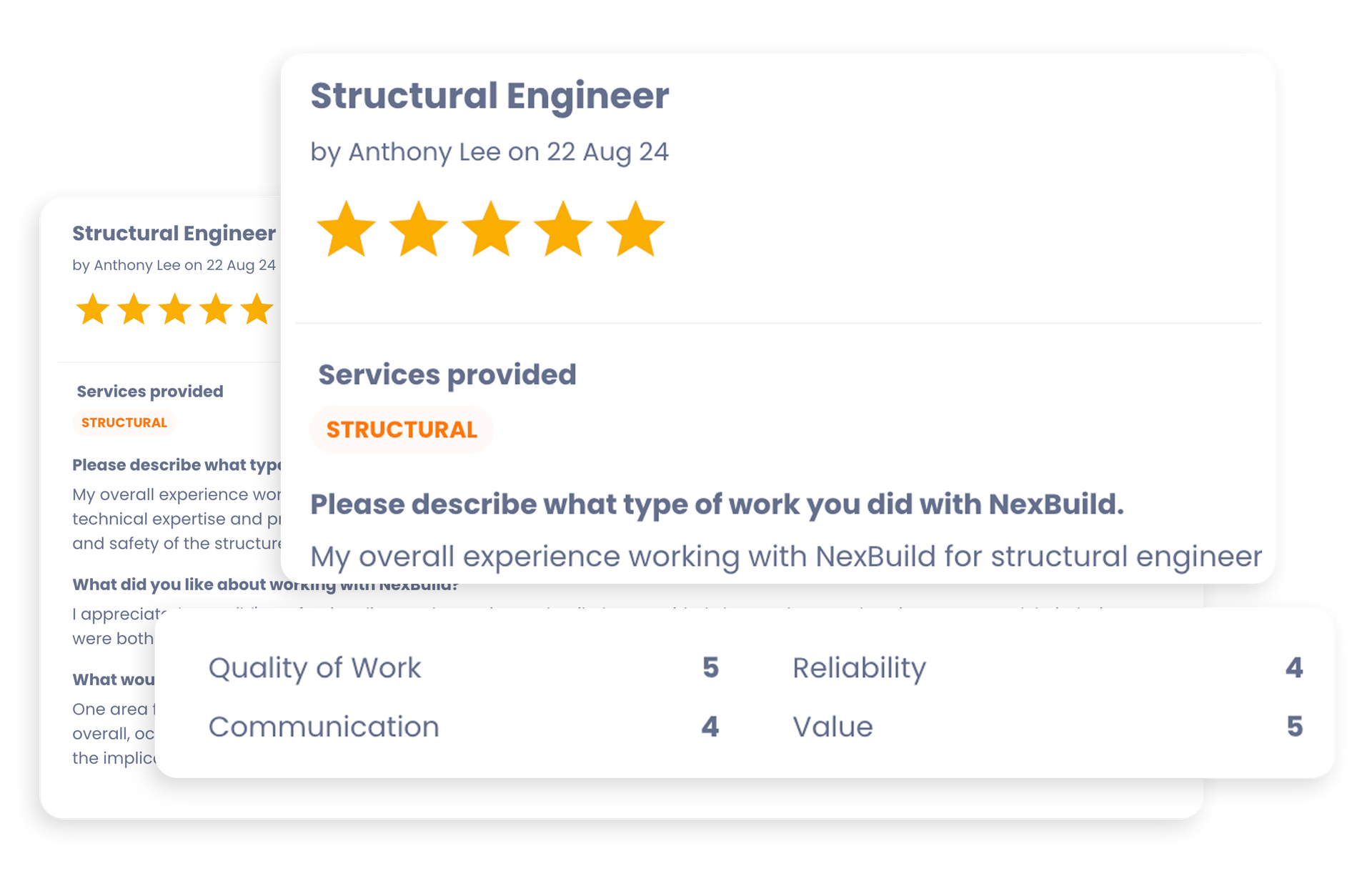
Build Buddy Pro as part of this task, we’d love for you to leave them a review. It only takes a moment, and your feedback helps others choose great professionals — just like you did.