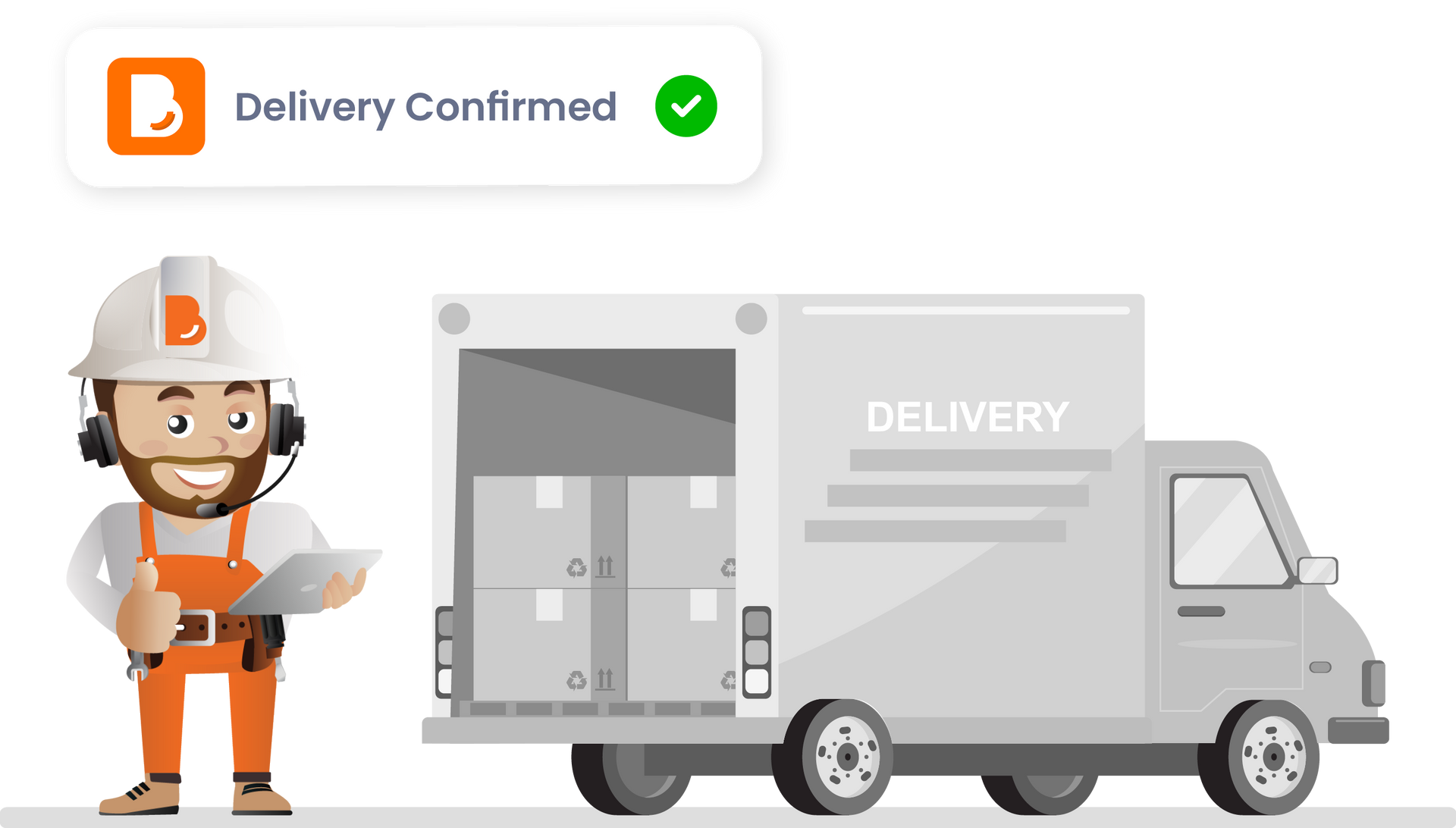
To help everything arrive on time and in the right place, you'll need to confirm the delivery date for your materials or products. This should be arranged directly with your selected Pro supplier — locking in a date helps you stay in control and avoid unnecessary delays.
Tip: Check your availability
— Make sure someone will be onsite (or accessible) to receive the delivery.


Check your availability and contact the Pro to discuss timing.
Click the orange 'Confirm dates' button.
Change the dates in the pop-up as agreed with the Pro.

Helps your materials arrive when the site is ready

Ensures you (or someone else) can be there to check the delivery

Keeps your build flowing without last-minute surprises
Once you've confirmed the delivery date, you’ll unlock the next step:
getting ready to receive the delivery onsite.


Make sure there’s a designated area for the delivery to be dropped off. It should be flat, dry (if possible), and easy for the delivery team to access.

1. Go to the Documents tab in this task
2. Click the + Upload document button
3. Enter Document Details:
4. Click the
Save button
This is paragraph text. Click it or hit the Manage Text button to change the font, color, size, format, and more. To set up site-wide paragraph and title styles, go to Site Theme.