What is a Window & Door Screen Supplier?
A Window & Door Screen Supplier provides insect screens and security screens to suit the doors and windows already installed in your home. These may include flyscreens, sliding screen doors, magnetic or retractable options, and stainless-steel security mesh systems.
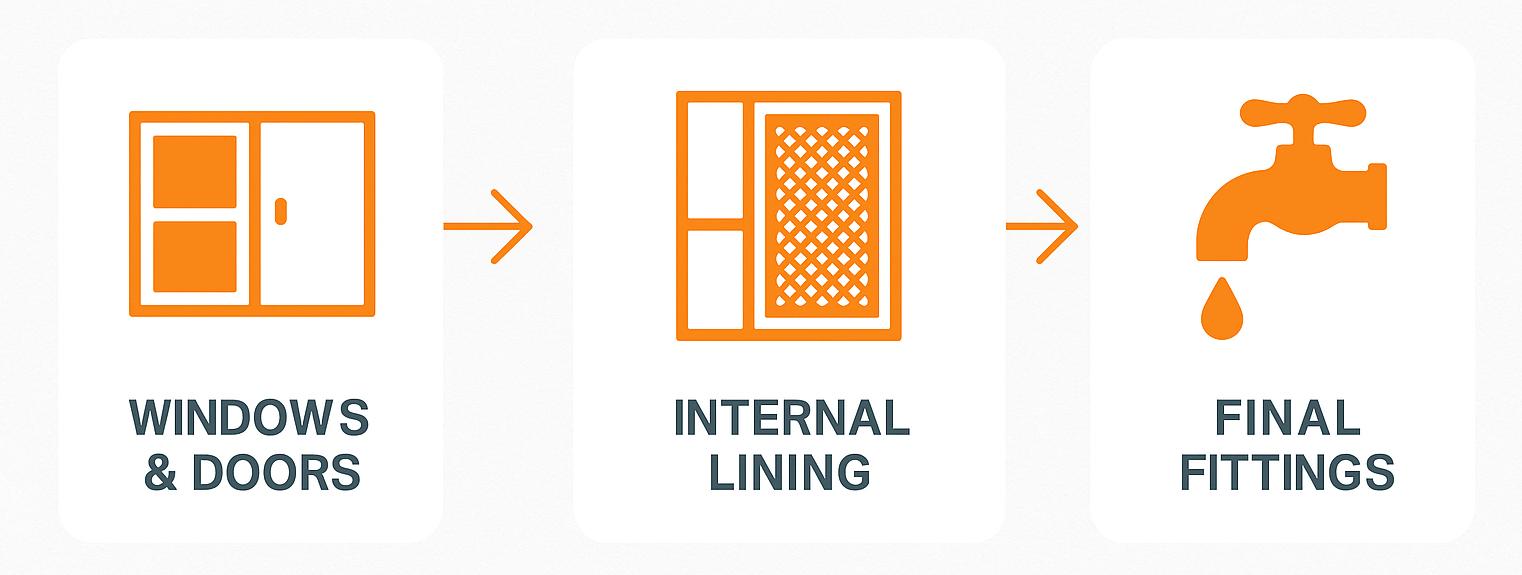
Screens are usually measured and installed toward the very end of construction — often after painting and floor installation — to avoid damage during other finishing works.
What does a Window & Door Screen Supplier do?
Your supplier will complete works according to your agreed scope of works.
Typically, they will:
- Measure your installed windows and doors for exact screen fit
- Supply flyscreens, sliding screens, hinged screen doors, or security mesh systems
- Provide powder-coating or colour matching options
- Deliver and install all screen products onsite
- Confirm insect control or security certification if applicable
They may also replace damaged screens or prepare screens in stages if your build has multiple handovers.

Barry's Toolbox
Don’t assume screens come with your windows — they usually don’t. Ask your window supplier early, or plan to get a separate screen quote closer to the end of the job.
If you’re after security screens, look for
tested mesh systems like
316 stainless or
aluminium grille options with Australian Standards compliance.
What to look for in a Screen Supplier
When reviewing quotes, look for:
- Accurate on-site measure and template service
- Frame and mesh materials (aluminium, fibreglass, stainless)
- Colour-matched frames and finish quality
- Clear install timeframe and coordination with your handover
- Inclusions for hardware (locks, rollers, handles)
It’s a bonus if they work closely with your original window or door supplier — especially for custom sizes.
Before You Begin: What You’ll Need Ready
To get quotes from Window & Door Screen Suppliers, you’ll need:
- Site access and list of installed window and door sizes
- Confirmation of window and door type (sliding, casement, awning)
- Preferred screen type (flyscreen, security mesh, pet-friendly mesh)
- Colour preference or match to existing frames
- Timeline for install (usually just before or after practical completion)
Average Timeframe
For this task, Pros typically provide quotes within
7-10 business days.
When Can I Expect Quotes?
Timeframes often vary based on demand and the type of Pro you're engaging (e.g. a plumber). If additional communication or clarification is needed is needed, the quoting process may take longer.
Don't be alarmed if you don't receive quotes or communication from any Build Buddy Pros straight away. Some work is more complex and the Pro may need time to comprehend your documents or scope of work. Depending on the job, there may even be some work required by the Pro before they are able to quote (e.g. a site visit might be required).
If the average timeframe indicated here has passed, and you have not received any messages or quotes, please feel free to contact the Build Buddy Expert Guidance and Support team for an update on quoting for this task.
Frequently Asked Questions
Can I install screens after handover?
Yes — but it’s often easier to coordinate access during the final phase of construction.
What’s the difference between flyscreens and security screens?
Flyscreens use lightweight mesh to block insects. Security screens are reinforced with mesh and locking hardware designed to meet Australian security standards.
How to Complete this Task?

STEP 1
Review and Adjust the Scope of Works
Timeframes may vary based on demand and the type of Pro you're engaging (e.g., a plumber). If additional communication or clarification is needed, the quoting process may take longer.
STEP 2
Confirm Required Documents Are Uploaded
Check that the following required document(s) are uploaded for this task. These are essential to proceed:

STEP 3
Update the Quality Assurance Checklist
Go to the
Quality Assurance tab in this task and review the checklist. Edit any details to suit your project requirements. Being clear and upfront helps set expectations with the Pro. Updating the checklist before requesting quotes ensures everyone is aligned.

STEP 4
Request Quotes
Click the
orange ‘Request Quotes’ button to start the quoting process.

STEP 5
Review the Quotes
Once you receive quotes:
- Review each one carefully, including the payment schedule and any special terms
- Download attached quote documents for detailed review
- Check each Pro’s profile and read past client reviews

STEP 6
Communicate with the Pro
If needed, message or call the Pro to clarify details or negotiate terms.
STEP 7
Accept a Quote
Choose the quote that best suits your needs. Once you accept a quote, any other pending quotes will be automatically declined. An agreement will automatically be generated.
STEP 8
Complete the Tasks In Your App
New tasks will appear to guide you through this job — follow each step carefully. Make sure to use the
Quality Assurance Checklist, and refer to your
contract and
final Scope of Works whenever needed.
NEED HELP?
Reach Out to Your Build Buddy Pro
If you have any questions or need a hand, your Build Buddy Pro is your best first contact. They’re a licensed expert in their field and can understand the ins and outs of your project. You can message them via the platform, or you can call them directly.
If you have already contacted your Build Buddy Pro and still need further assistance, the Build Buddy Expert Guidance and Support team are here to help. They will be able to guide you on your next steps or help you find answers to any questions you may have.