Primary Contact: The Owner/Builder is always the main contact, unless a job has a Tier 3 Construction Buddy (site supervisor)
Don't forget to check the Documents tab in this job to ensure you are working off the most recent plans.
If you need anything before you begin:
- Contact the Owner/Builder directly with any questions
- Ask for additional documentation if required
It's Time to Start the Job!
Click Start Job to automatically update the job status to Work in Progress.

When You're Finished
Once your work is complete, click Request Review to automatically notify the Owner/Builder that your job is ready for review.
To share files:
- Use Build Buddy messaging to send documents or images
- If something needs to be stored in the project's Document Library, ask the Owner/Builder to upload it
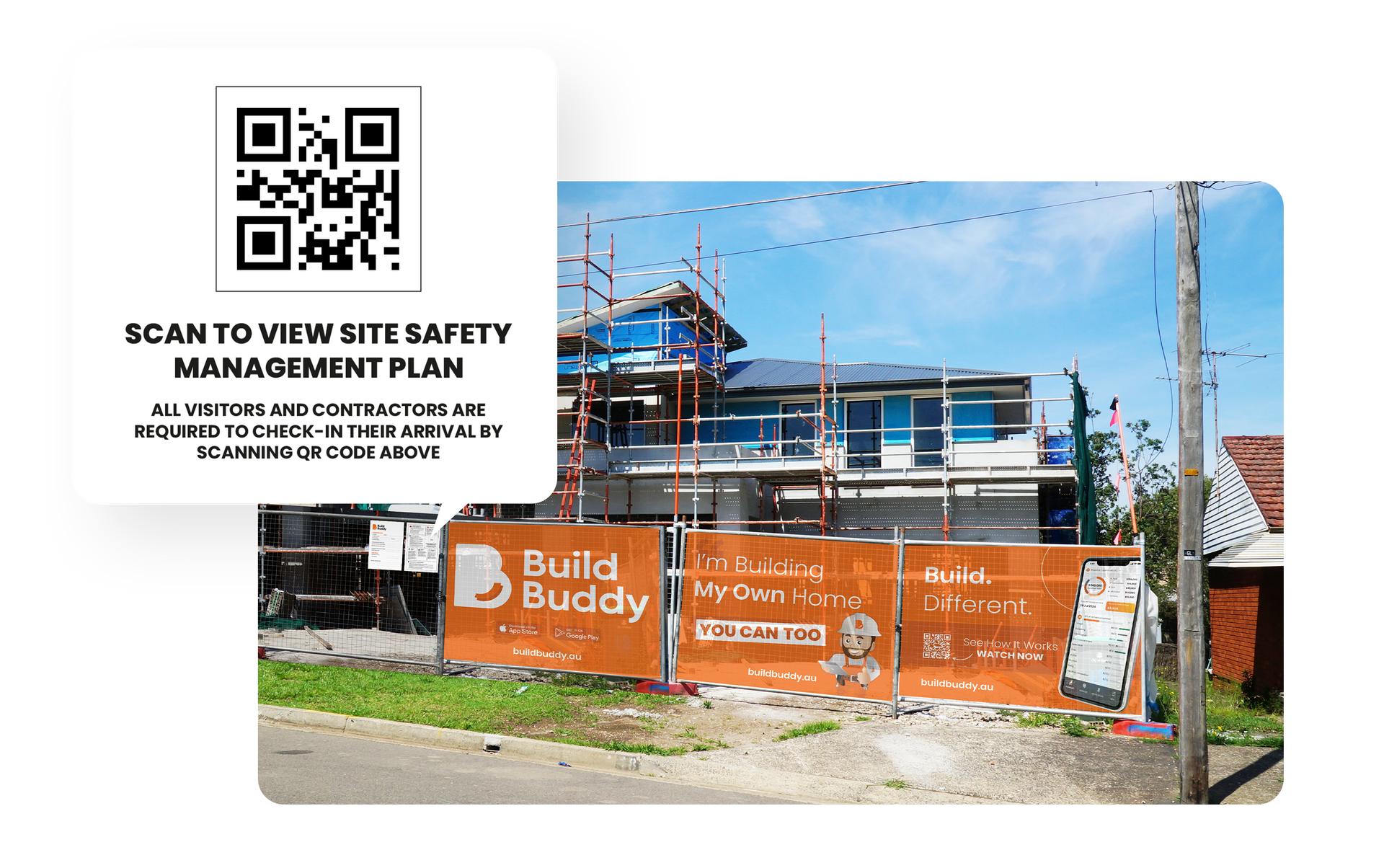
Onsite Safety
- To access the Safety Management Plan for this job, scan the QR code on the safety sign onsite.
- Please ensure you adhere to industry best practices and onsite safety regulations, including having your SWIMS with you.
Has Your Scope of Work Changed?
If your scope has changed:
- Talk to the Owner/Builder before making any updates
- If you need to adjust your original quote, raise a Variation for this job

Visit the Help Centre from the main menu to learn more about variations.
