What Is the Build Buddy Selections Tool (External Selections)?
The Build Buddy Selections Tool is your digital command centre for choosing and tracking all your building materials and finishes. It helps you make confident decisions, keep your project moving, and avoid costly delays or miscommunication.
At this stage of your project, it’s time to finalise
all of your External Selections — from roofing to driveways — so that your plans can progress toward engineering, ordering, and approvals.
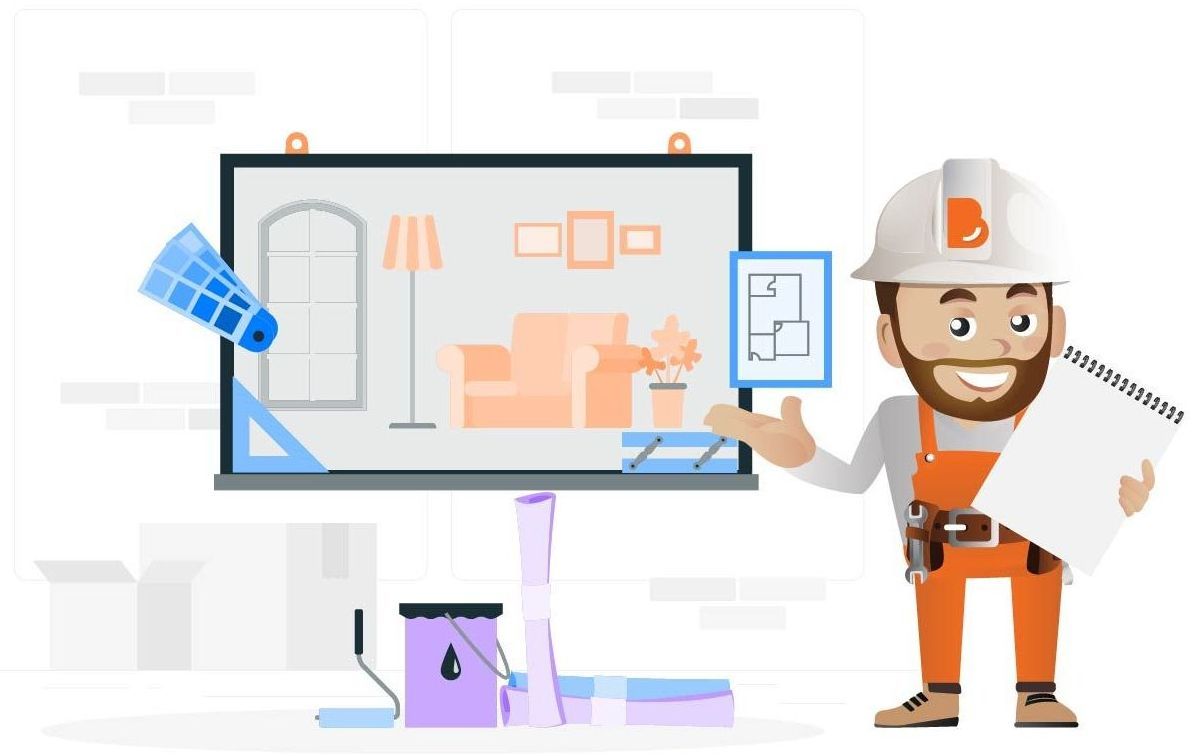
What Does the Selections Tool Help You Do?
The tool gives you structure, flexibility, and visibility over your choices. You can:
- Select from pre-approved wholesale options or add custom products
- Review material and colour guides, supplier links, and example images
- Record every choice with supporting notes and attachments
- Track your budget and monitor what’s still outstanding
- Generate a complete, exportable schedule for certifiers
It’s designed to make the selections process feel achievable — even if this is your first time building.
Tip: Getting the Most Out of the Selections Tool
Take the time to review each category in full — even if you've already sourced some items elsewhere. Recording everything in one place reduces the risk of errors.
If you're using a product not listed in the Build Buddy wholesale library, use the ‘Add custom product’ feature and include:
- Product name and supplier
- Finish/colour details
- URL or attachment (if available)
Use the ‘Additional notes’ field to flag key details, like installation preferences or coordinating finishes.
It’s okay if you’re not 100% sure on every selection — the goal is to get as much detail down as possible now, so you and your trades can prepare with confidence.
Before You Begin: What You’ll Need Ready
To complete your External Selections, gather the following:
- Finalised or approved building design (elevations, façade layout)
- Any colour or material inspiration you’ve collected
- Your budget allocations for each selection area
- Quotes or brochures for any external items you've sourced directly
- Time to review and update every item in the tool
- Once you’ve completed all selections, export the schedule
Frequently Asked Questions
Can I include products that aren’t in the Selections Tool?
Yes — use the ‘Add custom product’ option and provide as much supporting info as you can (brand, colour, image, or supplier link).
What if I change my mind after submitting?
You can update your selections later, but keep in mind that changes after approvals or ordering may incur delays.
NEED HELP?
Reach Out to Your Build Buddy Pro
If you have any questions or need a hand, your Build Buddy Pro is your best first contact. They’re a licensed expert in their field and can understand the ins and outs of your project. You can message them via the platform, or you can call them directly.
If you have already contacted your Build Buddy Pro and still need further assistance, the Build Buddy Expert Guidance and Support team are here to help. They will be able to guide you on your next steps or help you find answers to any questions you may have.