What is an Owner Builder Permit?
An
Owner Builder Permit is a formal approval issued by the
Queensland Building and Construction Commission (QBCC). It gives the homeowner legal permission to
supervise or carry out residential building work on their own property, provided the total project value
exceeds $11,000.
Why is this Needed?
In QLD, it is
mandatory for any person acting as an Owner Builder on residential works over $11,000.
The permit confirms that:
- You’ve completed an approved Owner Builder Course
- You understand your legal duties, workplace safety responsibilities, and building regulations
- Your build can proceed with
owner-builder status under Queensland law
How it Works
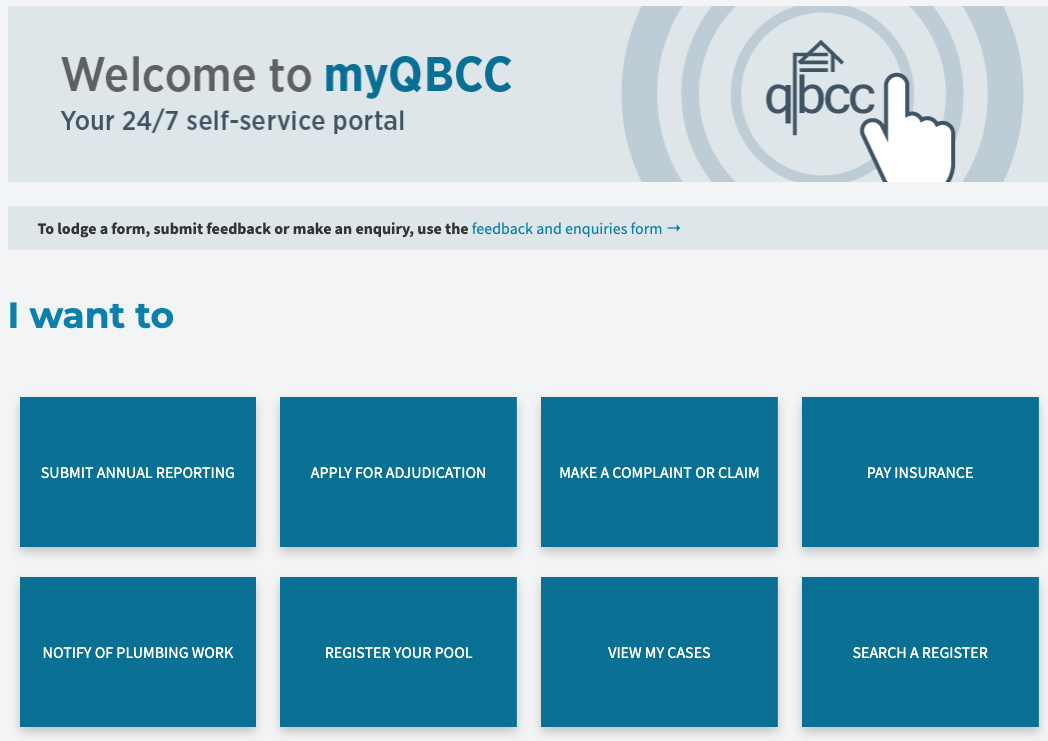
1. Visit the QBCC Owner Builder Portal:
https://my.qbcc.qld.gov.au
2. Create an account or log in
3. Click “Apply for an Owner Builder Permit”
4. Enter your project information:
- Property address
- Scope of works
- Estimated construction value
- Builder type:
Owner Builder
5. Upload your required documents. You’ll need:
- Statement of Attainment (from your Owner Builder Course)
- Proof of ownership (e.g. rates notice or title)
- Your White Card (if not embedded in your course)
- Site plans or concept drawings (optional but helpful)
6. Answer the declaration questions
7. Review your application and submit
8. Pay the permit fee (Around $321.60 as of 2024 — confirm exact amount on submission)
9. Wait 3–5 business days for your permit to be issued. The permit will be emailed as a PDF and available in your QBCC portal dashboard

Once Received
Once you've received your Owner Builder Permit, upload it to the Document Library and then click the
orange “Mark Complete” button to move to the next step in your construction workflow.
