Review Your Development Approval Before Proceeding
Before proceeding with any payments or project steps, you must use the Development Application (DA) Approval Checklist to verify that your local council has correctly issued and finalised your approval. This ensures there are no missing documents, incorrect references, or overlooked conditions that could cause costly delays or require a re-submission.
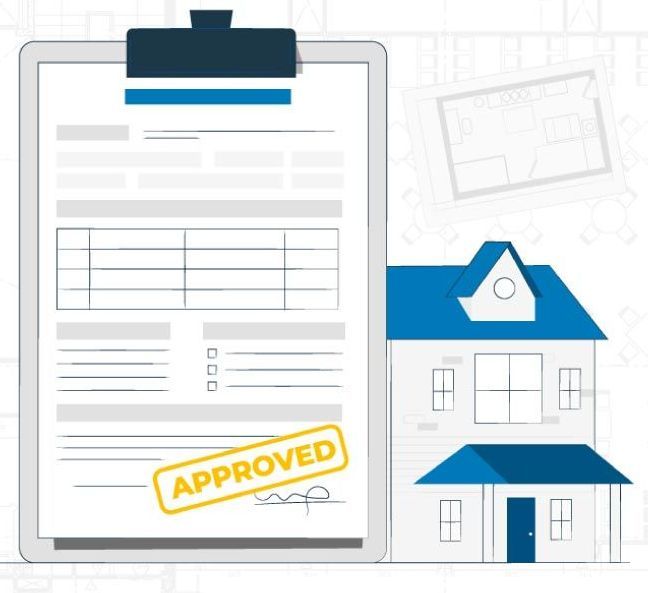
Why This Step Matters
Approving a DA is more than just receiving a “yes” — it must be:
- Issued by the correct authority
- Free of errors or omissions
- Inclusive of all approved documents and conditions
- Valid and aligned with your submitted design
Sometimes your information from your local council may be outdated.
If anything is unclear, incorrect, or missing, you must raise a defect before making payments or proceeding to the next stage.
What You Need to Do
1. Go to the Quality Assurance tab in your Build Buddy app

2. Carefully review and work through each item in the checklist
Once Reviewed
Once you've reviewed your Development Approval, click the
orange “Mark Complete” button to move to the next step in your construction workflow.
