What Is Water Board Approval?
Water Board Approval is formal consent from the local water authority to connect, alter, or build near existing water, sewer, or stormwater infrastructure.
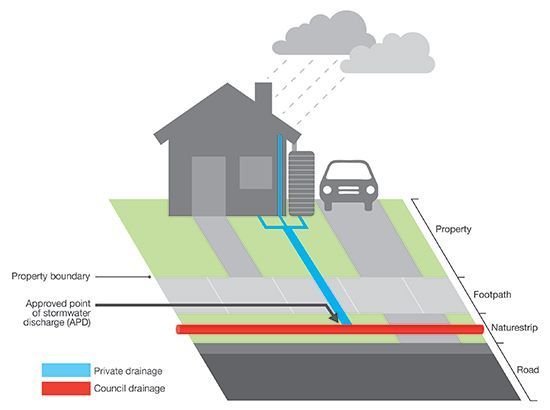
Why is this Needed?
You need Water Board Approval to:
- Legally complete drainage works
- Obtain your Construction Certificate (CC) or Occupation Certificate (OC)
- Ensure you don’t damage or obstruct essential public infrastructure
How to Get Approved
NSW
1. Check if approval is needed. Visit: https://www.sydneywater.com.au/plumbing-building-developing/building/sydney-water-tap-in.html
- Enter your address to check if you need Section 73 Approval or Build Over Sewer (BOS) Consent.
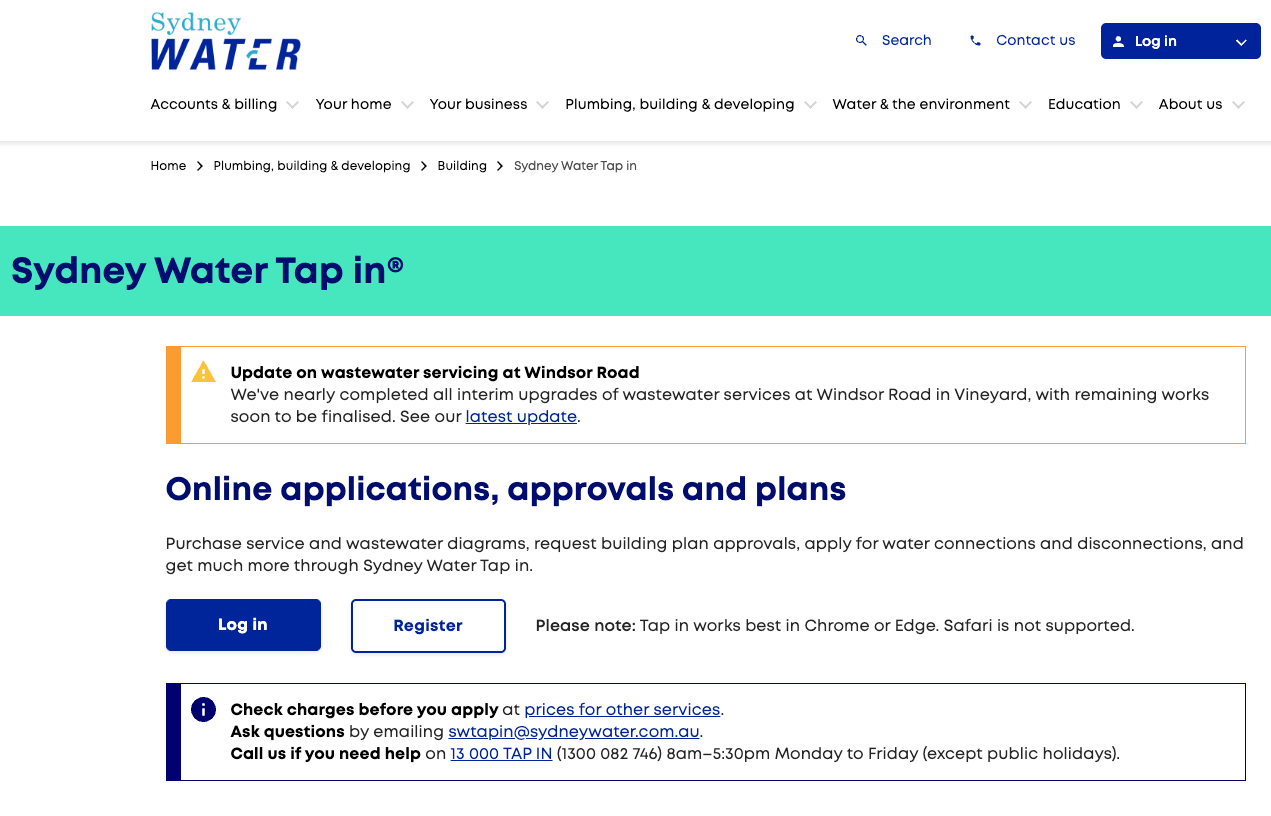
2. Appoint a Water Servicing Coordinator (WSC)
- Choose a coordinator from the Sydney Water list.
- Your WSC will prepare and manage the application on your behalf.
3. Receive your certificate
- Your WSC will issue the Section 73 Certificate and/or BOS approval.
- Save this to include in your CC or OC submission.
VIC
1. Identify your local water authority
- Use your council rates notice, property contract, or search your suburb directly via your local council website to confirm your water authority (commonly Yarra Valley Water, South East Water, or Greater Western Water).
2. Once you've identified your water authority, follow the appropriate process below:
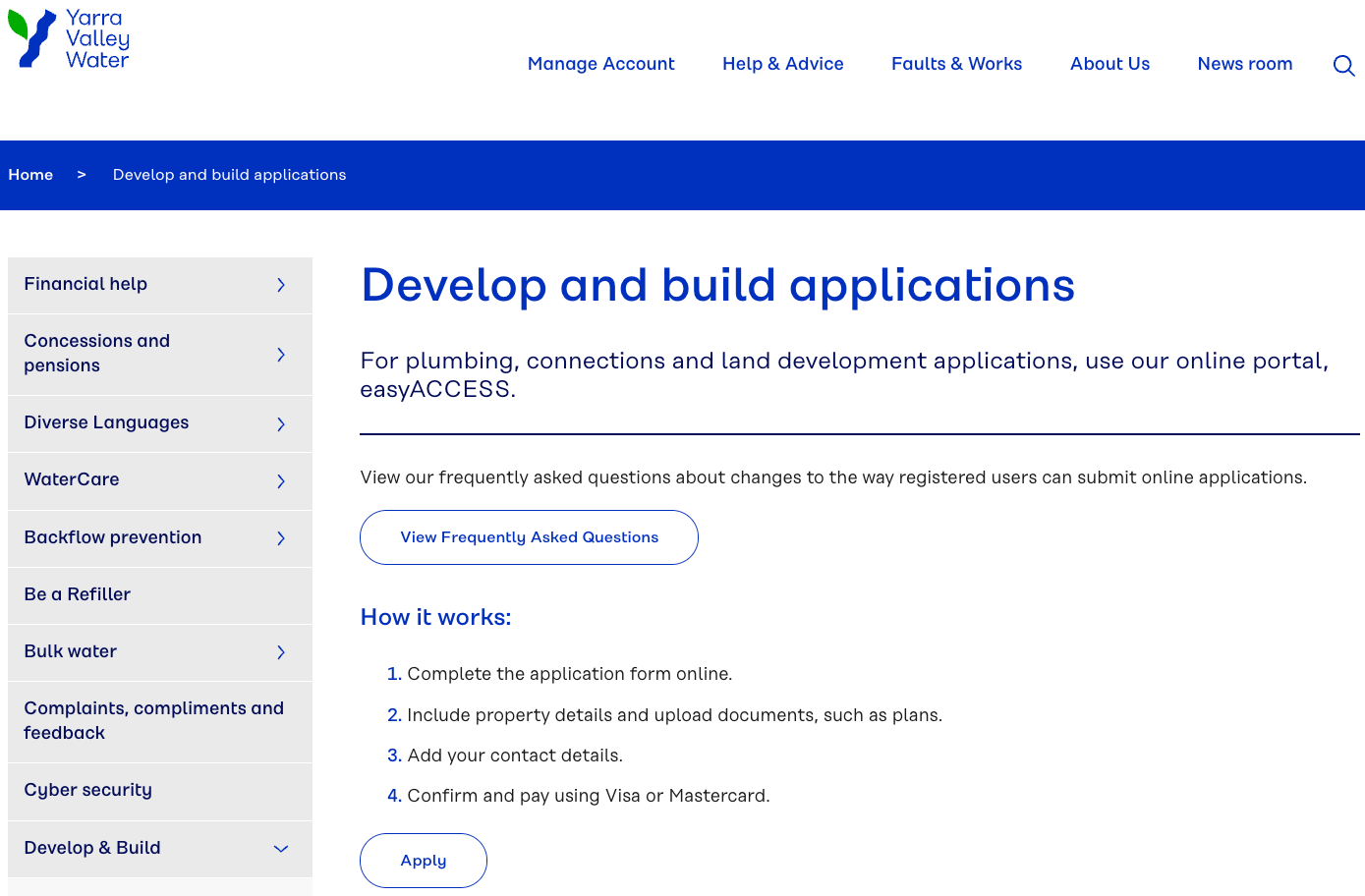
- Yarra Valley Water
- Visit: https://www.yvw.com.au/connect
- Look for the section that says “Building over easements or near water/sewer pipes”. Click on the link to read their guidelines
- Applications are typically submitted via email using the instructions in the guidelines. If unsure, contact YVW’s customer service: Phone: 1300 771 766
- South East Water
- Contact South East Water Directly. Reach out to their Developer Services team to request the current guidelines and application procedures for building over easements. They can provide you with the necessary documentation and answer any specific questions you may have
- Phone: 13 18 51
- Email: developer.services@sew.com.au
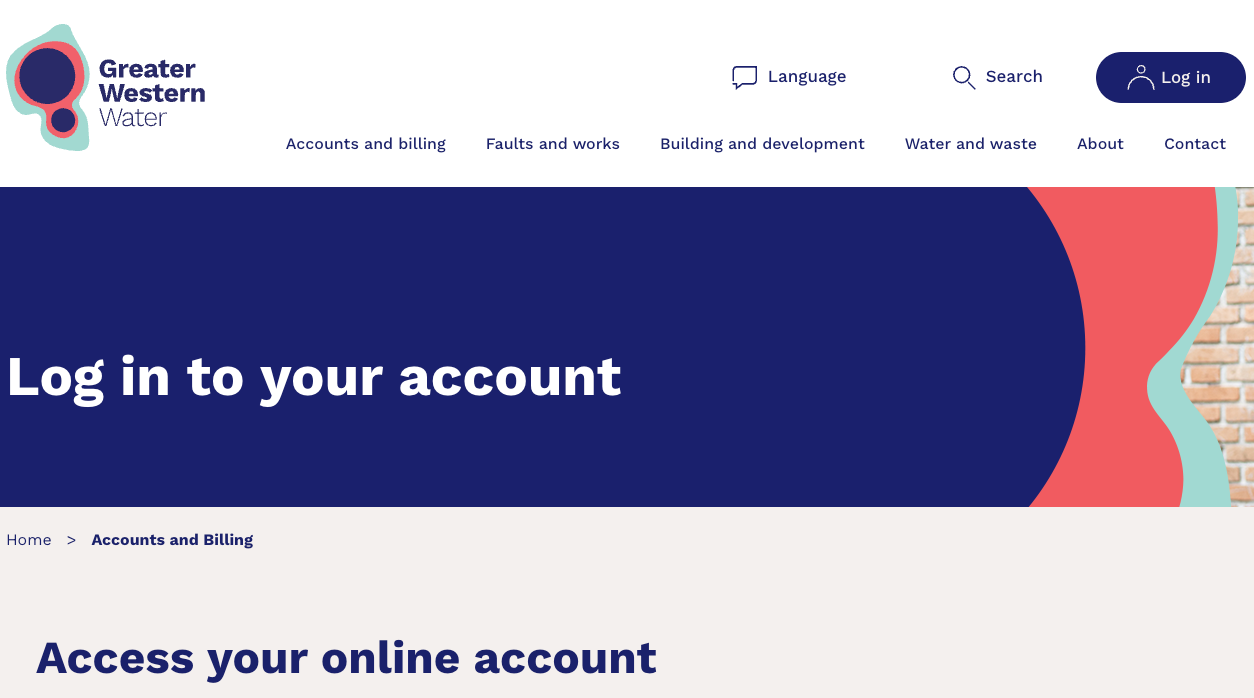
- Greater Western Water
- Portal Access: Access the My GWW portal to manage your application.
- Application: Submit your plans and any additional required information through the portal.
- Approval: Await confirmation and approval before proceeding with construction.
QLD
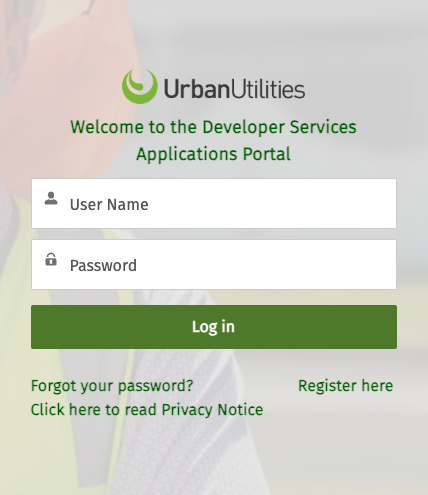
1. Access the Developer Services Portal. Visit:
https://developerportal.urbanutilities.com.au/s/login/?ec=302&startURL=%2Fs%2F
2. Register or Log In.
3. Click 'Start an Application' button
4. Submit your plans and any additional required information
5. Approval: Await confirmation and approval before proceeding with construction.
Once Received
Once you've received your Water Board Approval, upload it to the Document Library and then click the
orange “Mark Complete” button to move to the next step in your construction workflow.
