Let's Start on your Compliance Items
You are now ready to start working on your owner builder compliance items. This is part of getting you ready for construction, and it will ensure you and your project are approved to owner build.
We will step you through the requirements for officially becoming an owner builder. The first one is ensuring you complete an owner builder course.
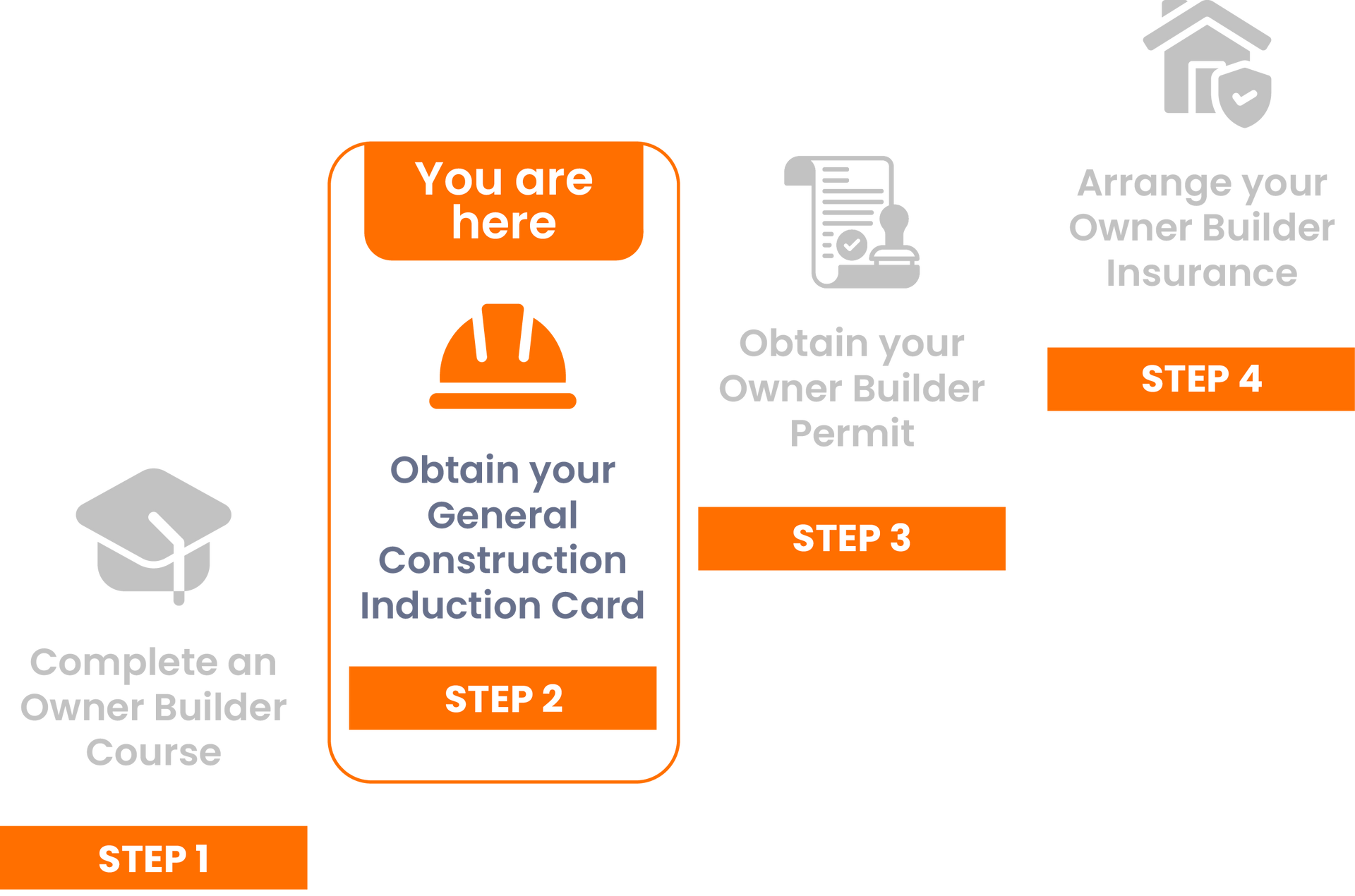
What is the General Construction Induction Card?
The General Construction Induction Card — commonly known as a White Card — is an official certification that confirms you’ve completed mandatory Work Health and Safety (WHS) training to legally enter and work on construction sites in Australia.
Why is this Needed?
In Queensland, the White Card is legally required for all Owner Builders, and anyone who will:
- Supervise or manage works on-site
- Be physically present during construction
- Apply for an Owner Builder Permit from the QBCC (Queensland Building and Construction Commission)
It ensures you understand your safety responsibilities and the risks involved in construction work.
Our Recommendations
1. You can obtain your White through any company that passes Fair Trading requirements. We recommend using Absolute Education. Visit:
https://www.abed.com.au/CourseModules.aspx
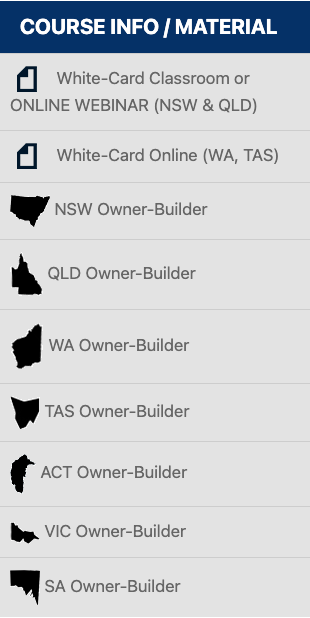
2. Select the course 'White-Card Classroom or ONLINE WEBINAR (NSW & QLD)
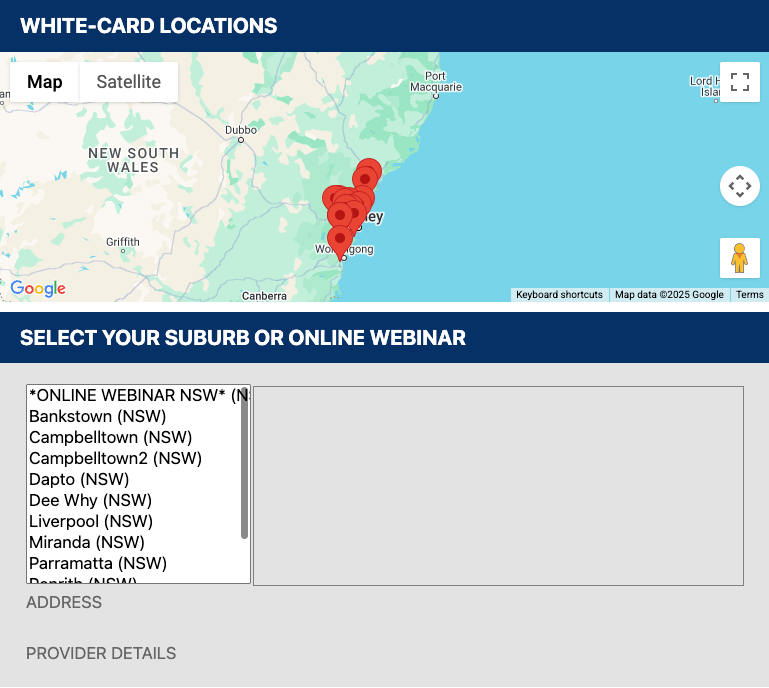
2. Selected your suburb or online webinar
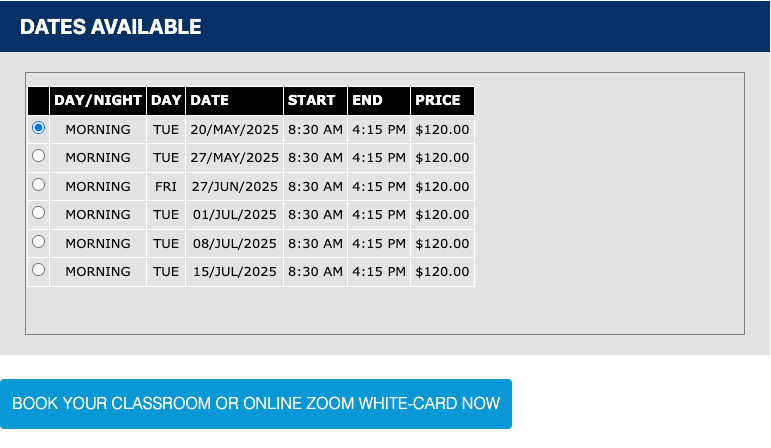
3. Select available dates and times from the table and then click the 'Book your classroom or online ZOOM white-card now' button.
All students must have 100 points of ID on the day of training. Within the 100 points, applicants must show the following;
- Photo;
- Date of Birth;
- Signature;
- Current Residential Address;
4. Complete White Card course. If you already have a White Card, you may not need to retake this module.
5. Receive Your Certificate. Upon successful completion, you'll receive a Statement of Attainment (PDF) via email. The physical White Card will be mailed to you by the authorised issuing body.

Once Received
Once you've received your White Card, upload it to the Document Library and then click the
orange “Mark Complete” button to move to the next step in your construction workflow.
